
PromptMaster
Enhance your AI prompts with one shortcut, on ChatGPT, Claude, Gemini and more
PromptMaster
How it works
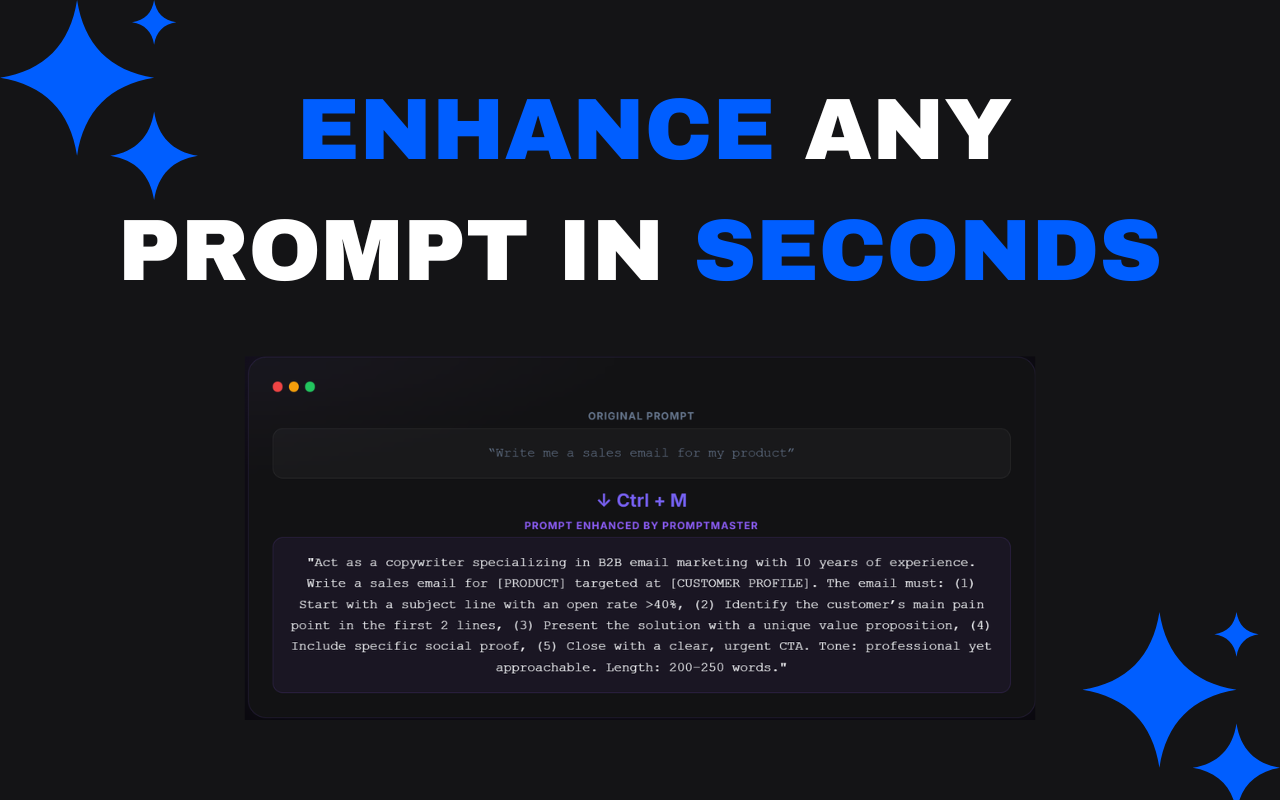
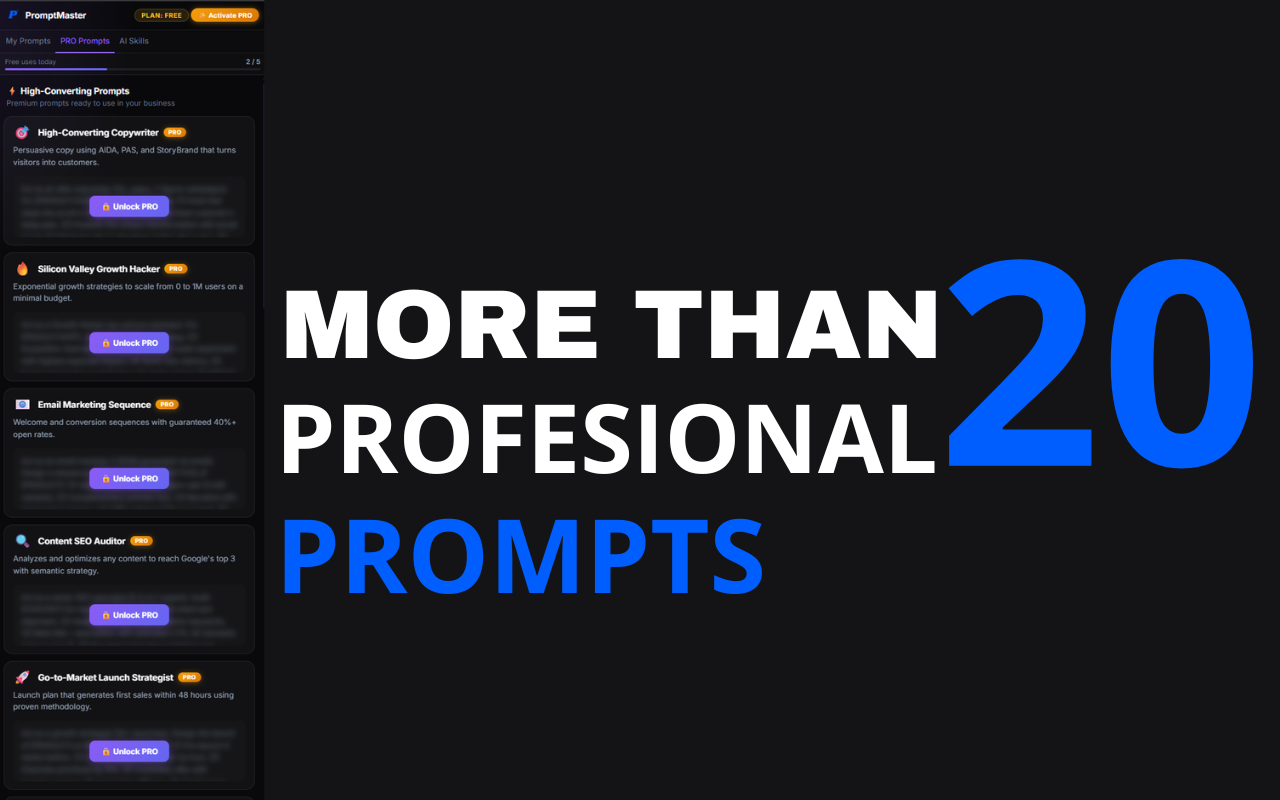
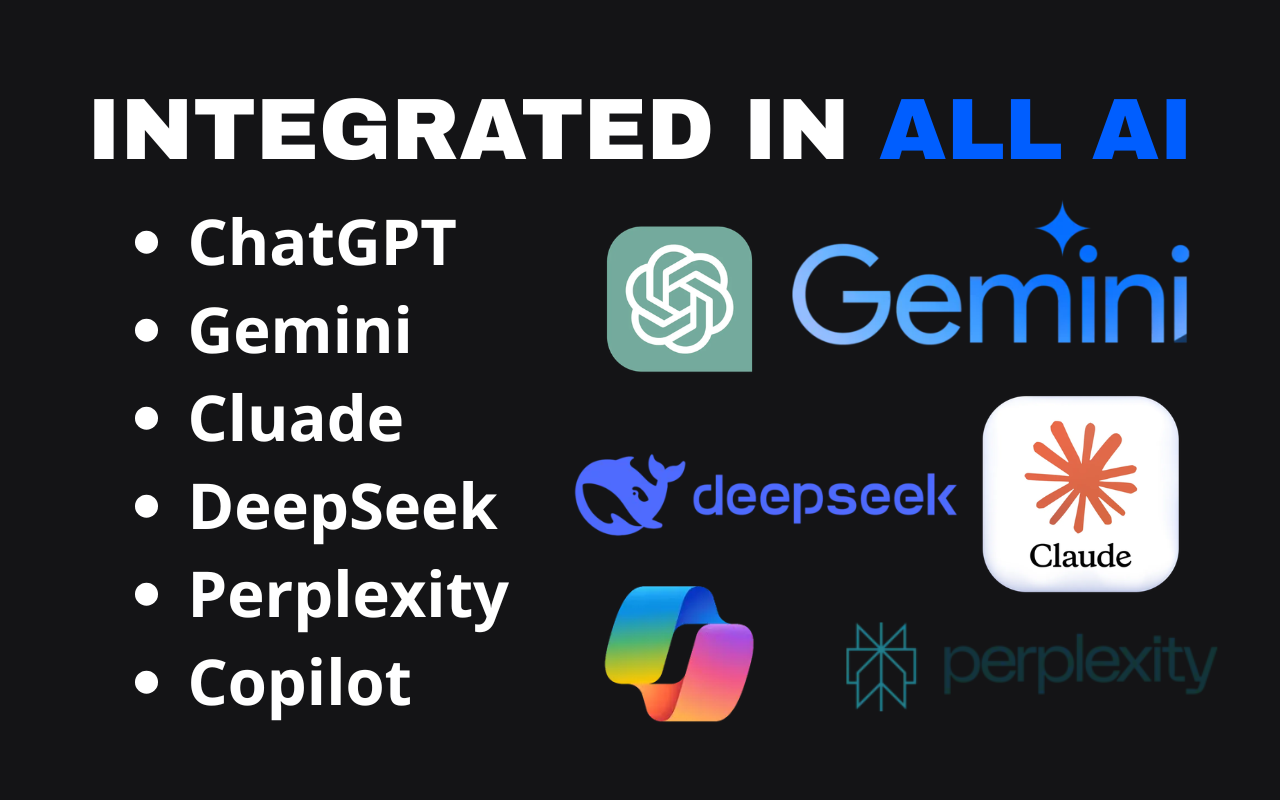
PromptMaster adds a sidebar and an "Enhance" button to ChatGPT, Claude, Gemini, Copilot, Grok, DeepSeek, Perplexity and Mistral to turn basic instructions into expert-level prompts, with the Ctrl+M shortcut. The Free plan is already useful on its own; PRO (€20, one-time) adds unlimited enhancements and saved prompts, 20 high-converting prompts and 20 elite AI roles.
- 1
Write your idea
A basic instruction in the text field of your favorite AI platform.
- 2
Press Ctrl + M
The shortcut turns the text into an expert-level prompt instantly.
- 3
Save and reuse
The result is saved to your library for whenever you need it again.
PromptMaster
What it includes
-
Instant enhancement with Ctrl + M
Press the shortcut in any text field on a supported AI platform and your prompt is transformed into an expert-level instruction in seconds.
-
Saved prompt library
All your enhanced prompts are automatically saved in the side panel. Copy, reuse, or export them as JSON with one click.
-
20 high-converting PRO prompts
Battle-tested prompts for copywriting, SEO, email marketing, sales and data analysis, ready to use.
-
20 elite AI roles
Turn Claude or ChatGPT into a Google Tech Lead, a McKinsey CFO Partner, or an Apple Creative Director.
-
Works on 8 platforms
ChatGPT, Claude, Gemini, Copilot, Grok, DeepSeek, Perplexity and Mistral, without losing your workflow when switching.
-
100% private and local
No mandatory account, no tracking of your conversations. Your saved prompts live in your browser, not on an external server.
More screenshots
PromptMaster

Privacy and security
Privacy and security
PromptMaster only sends the prompt text you choose to enhance to its enhancement API; it never reads or stores the rest of your conversation.
-
The text sent to the enhancement API is used only to process that request and is not stored on the servers.
-
PRO activation sends your license key to the Gumroad API only for verification; it is not stored on any first-party server.
-
It does not collect your name, email or any personal identifier, and uses no third-party analytics (no Google Analytics, no Mixpanel).
-
Saved prompts, PRO status and the usage counter are stored exclusively in browser-local storage.
-
It reports anonymous install/update and categorized usage events (e.g. "enhance used", "prompt saved") to a first-party endpoint (api.eduolihez.com) to understand how the extension is used — never your prompt text or AI responses.
Permissions and why they are requested
| activeTab | Reads the prompt text on the active tab and injects the enhanced version back into the input field. |
| sidePanel | Displays the saved prompt library and PRO content alongside the AI platform. |
| storage | Saves prompts, license status and usage count locally in the browser. |
| contextMenus | Adds an "Enhance Prompt" option to the right-click menu on supported AI platforms. |
| clipboardWrite | Copies a saved prompt to the clipboard when clicking the "Copy" button. |
FAQ
Frequently asked questions
Is it paid? + −
It has a free Free plan (5 enhancements/day, 3 saved prompts) and a one-time PRO plan for €20, no subscription.
Does it work on Firefox? + −
Yes, there is a version for Chrome and for Firefox (addons.mozilla.org).
What data does it collect? + −
Only the prompt text you send to enhance (not stored) and, if you activate PRO, your license key for Gumroad verification. It does not track your conversations.
Is the PRO payment a subscription? + −
No, it is a one-time €20 payment that includes future updates.